
Getting Started
Inkstead Writer turns Markdown files into a personal website. It runs on macOS and Linux. The quickest path is to install the launcher, create a site, and run the local preview.
Install the launcher:
$curl -fsSL https://install.inkstead.dev/writer | shOr, on macOS with Homebrew:
$brew tap ivonunes/tap$brew install inkstead-writerThen create and run a site:
$inkstead-writer init my-site$cd my-site$./inkstead-writer devThe installer writes to /usr/local/bin by default. To install somewhere else, run:
$curl -fsSL https://install.inkstead.dev/writer | sh -s -- --dir "$HOME/.local/bin"During init, choose where you want to publish, whether you want automated publishing, whether posts should syndicate to social media, and whether you want to configure the Inkstead app connection. You can accept the defaults and add more later in inkstead-writer.json.
Inside a site, use the generated ./inkstead-writer command. It keeps the site on the Inkstead Writer version recorded in inkstead-writer.json.
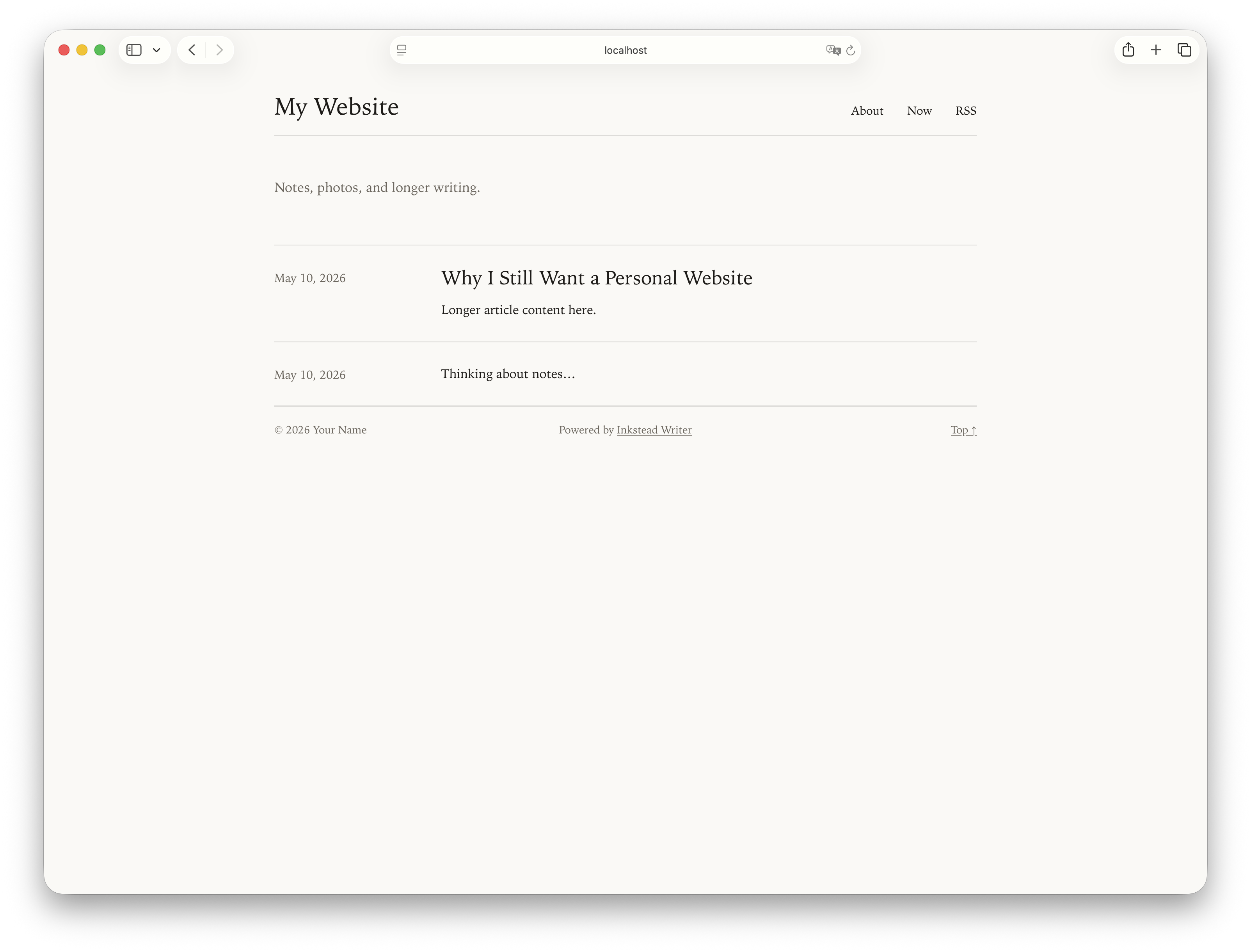
Open the local URL printed by ./inkstead-writer dev, then edit the starter content:
content/postscontains dated posts for your homepage and feeds.content/pagescontains standalone pages like About or Now.content/mediacontains original photo files you want to keep with the site.content/collectionscan contain Markdown collections for structured content.
These are the default folders. You can change them in inkstead-writer.json; see Site Configuration.
Your First Post
Create a Markdown file in content/posts:
---
title: Hello From My Website
date: 2026-05-10T18:30:00+01:00
---

This is my first Inkstead Writer post.
Run ./inkstead-writer dev and the post appears on the homepage. Posts use dated permalinks by default, such as /2026/05/10/hello-from-my-website/.
You can also create posts from the command line. ./inkstead-writer new post asks a couple of questions and writes the file with the right name and frontmatter.
Local Preview
$./inkstead-writer devdev builds the site, serves it locally, and watches for changes. When you save a post or template, the site rebuilds and open pages reload in the browser automatically.
To use a different port:
$./inkstead-writer dev --port 8080Build The Site
When you are ready to generate the static site:
$./inkstead-writer buildThe built website is written to dist.
Publish It
If you chose a publishing target during init, publish with:
$./inkstead-writer publishpublish builds the site, deploys it, syndicates any posts that ask to be syndicated, then updates the site again if new syndication links were added.
Before publishing from your own machine, copy the generated .env.example to .env and fill in the values. If you chose automated publishing, add the same names as CI secrets or variables instead.
Run ./inkstead-writer doctor before publishing to check your config, content, publishing setup, and required environment variables.